


-247-default_hero_image.jpg)
VISA Business Payment Card – a smart solution for managing your company’s expenses. Make fast and convenient payments both in Lithuania and abroad. Use the card to pay for goods and services in-store and online. Reliable, secure, and easy to use – made for your business every day with "Urbo"!
Order the card online and have it delivered to the specified address, or pick it up at the nearest bank branch
Pay anywhere in the world at physical or online stores that display the VISA logo
Once you’ve ordered your card, you will be able to start using it for online payments
You can conveniently view your card PIN in the Urbo online bank or mobile app
Security tips
-side_image.jpg)
Apple Pay – a modern, fast and convenient way to pay with your iPhone or Apple Watch
With just a single tap, you can make secure and fast payments in stores, online, or within apps. To get started, simply add your Urbo VISA card to your Digital Wallet.
- Fast and convenient – make payments in just a few seconds;
- Your card details are not stored on your device;
- No additional fees;
- Pay anywhere contactless payments are accepted.
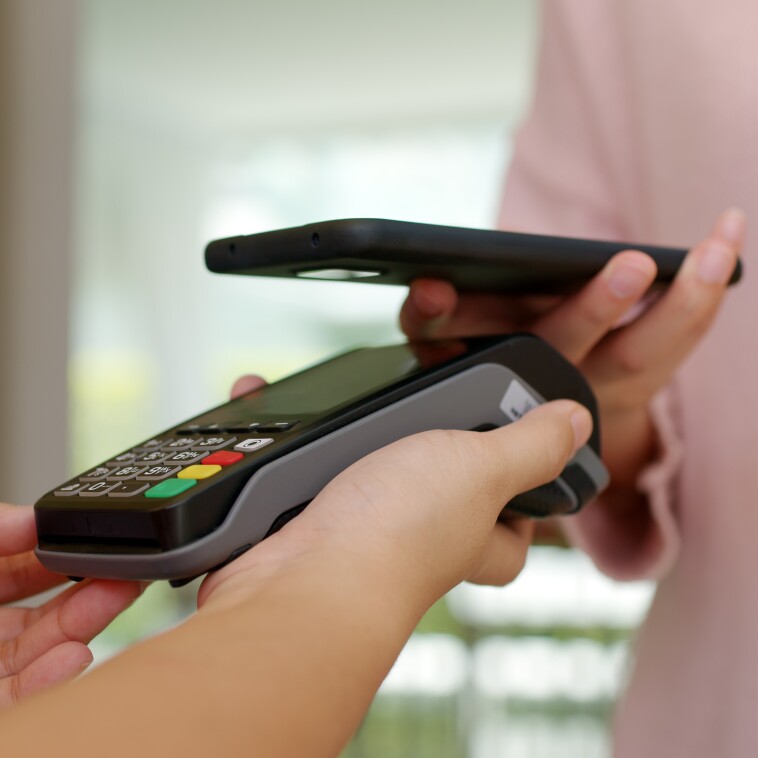
Google Pay is a convenient way to pay for purchases in stores, online, and in apps using your Android device
No need to look for your wallet. Simply unlock your phone and hold it near a contactless payment terminal.
- Fast and easy – pay with your phone in just one tap;
- Accepted wherever contactless payments are supported – just look for the contactless payment symbol;
- Secure – your card number is not shared with merchants, and payments are protected by multiple layers of security;
- No additional fees.
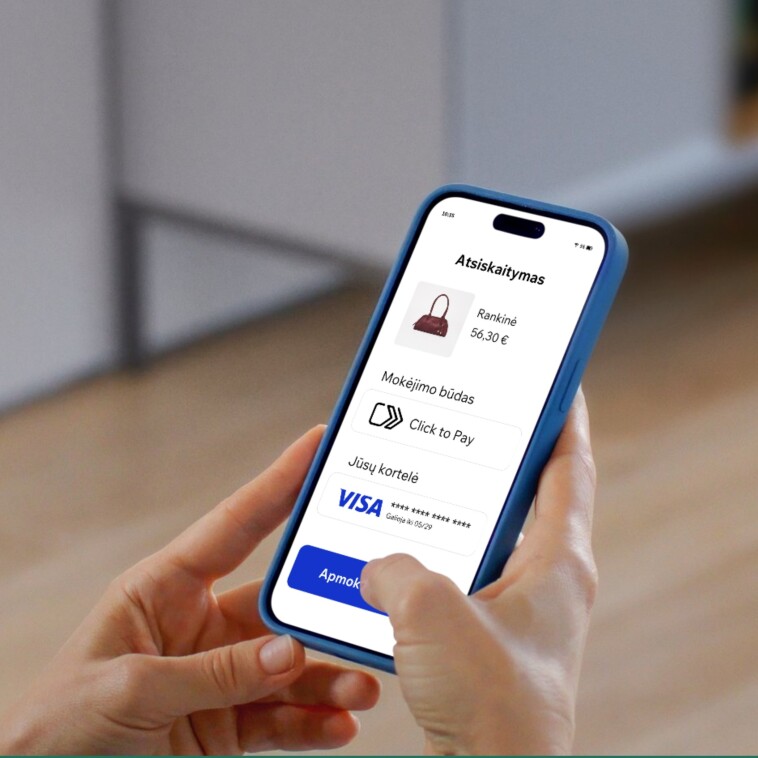
Check out online faster and more conveniently with Click to Pay
Click to Pay lets you pay online quickly, conveniently, and securely. Once you link your payment card to Click to Pay, you won't need to re-enter your card number, expiration date, or CVV security code for future purchases. At online stores that support Click to Pay, simply select your saved card and confirm your payment.
Why choose Click to Pay?
- One account, multiple cards. Link multiple payment cards to your Click to Pay account and simply choose the one you'd like to use when making a purchase.
- Secure payments. Click to Pay meets international payment security standards to help protect your payment card information.
- Faster checkout. No need to enter your payment card details every time you shop online.
Payment Card Rules
Frequently asked questions
You can order the card online – we’ll deliver it to your company’s contact address or you can pick it up at the nearest bank branch.
Once you’ve ordered your card, you will be able to start using it for online payments within 1 hour of ordering. To pay using a plastic card, you are always asked to insert it into the card reader and enter the PIN, which will only be visible in your Urbo online bank or mobile app.
You can pay at any physical or online store worldwide where the VISA logo is displayed.
If your payment card is not accepted, first try to determine the reason why it is not being processed at the merchant’s or ATM location (by asking the merchant to explain the reason or to provide a receipt showing the reason code). Then, please contact Urbo Bank via Internet Banking, by calling 19300, by email at info@urbo.lt, or by visiting any Urbo Bank branch.
You can make online payments with any VISA debit card issued by Urbo Bank – for both business and private customers.

-banner_image.jpg)