



Just don’t forget
your wallet
Pay quickly and conveniently with "Urbo"
on your Apple device

.png)
Apple Pay
Apple Pay – a modern, fast, and convenient way to pay using your iPhone or Apple Watch. With just one tap, you can pay quickly and securely in stores, online, or in apps. To get started, simply add your Urbo VISA card to your Digital Wallet.
Fast and convenient – make payments in just a few seconds
Your card details are never stored on your device
No additional fees
Accepted anywhere contactless payments are supported
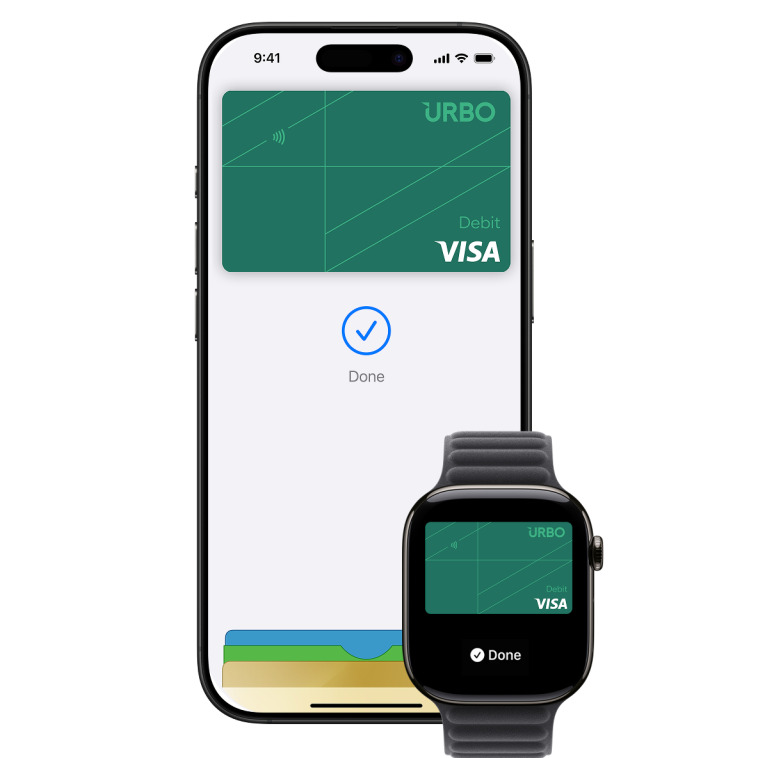
How to get started?
- In the Urbo app, under the “Cards” section, tap the “Add to Apple Wallet” button, or open the Apple Wallet app on your Apple device and tap “+”.
- When adding the card through the Urbo app, simply follow the instructions on your phone. If you are adding the card via Apple Wallet, enter your Urbo VISA card details and confirm.
- Hold your Apple device near the payment terminal to make payments.
Security tips
Use a strong password for your device and never share it with others
Enable biometric authentication (e.g., Face ID, Touch ID)
Keep your device’s operating system up to date
If your device is lost, block access to your digital wallet and/or your Urbo VISA card via internet banking